



|
|

|
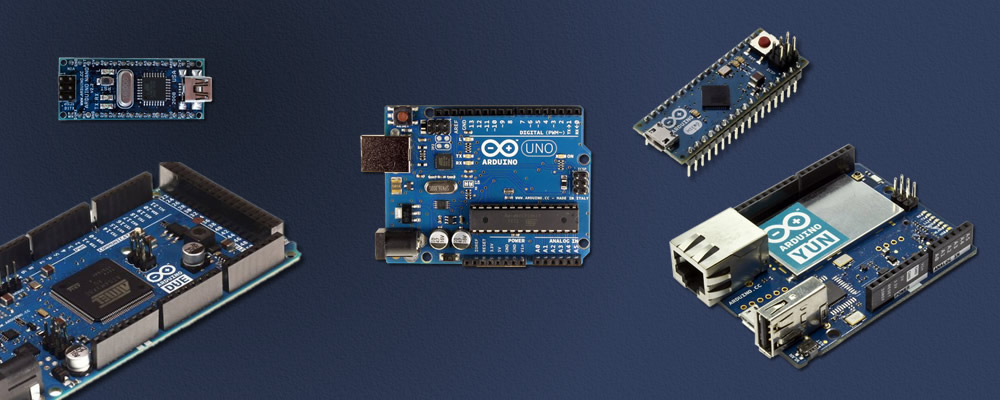
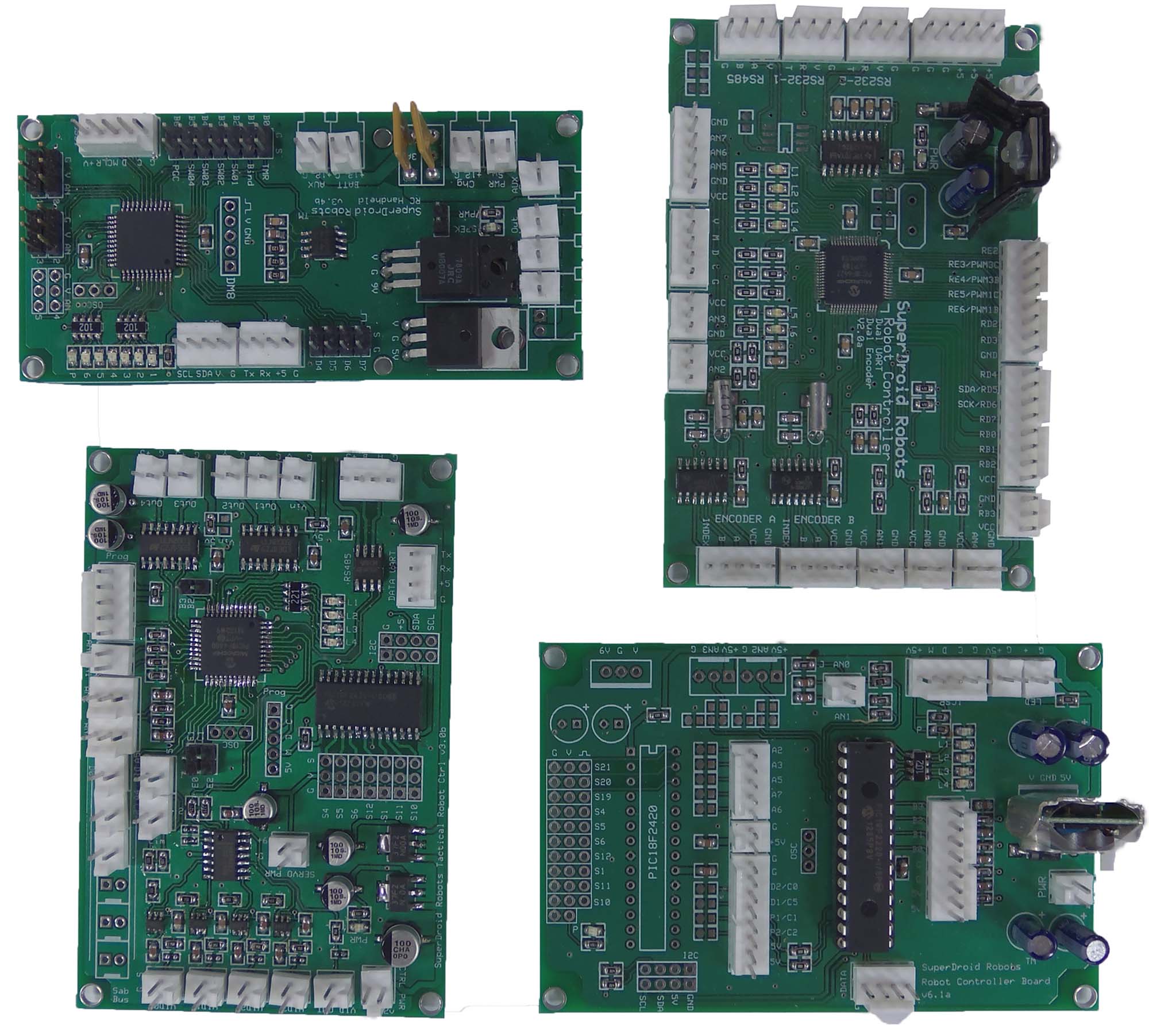
Electronic Control Units“Electronic Control Unit” (ECU) is a term used primarily in automotive electronics, but I will leverage the term here as a convenient way to refer to microcontrollers and single board computers in the context of robotics. Software/firmware runs on the ECU and it serves as the robot's "brain". Functions of ECUs in robotics include communicating with external control interfaces, commanding motor controllers, and reading data from sensors. A microcontroller (abbreviated as MCU or uC) is a small computer built into a single integrated circuit (IC) which contains memory, processor(s) and I/O controls. They can only run one program, which is flashed onto the chip from a PC. On a single board computer (SBC), the RAM, ROM, and processor are separate physical components on a single board. It takes up more space than a microcontroller but is much more powerful and capable of running an entire Operating System (typically Linux, sometimes Android). Higher end SBCs are basically PCs. MicrocontrollersHere at SuperDroid Robots we use two classes of microcontrollers: PIC and Arduino. Arduino boards are based on Atmel’s AVR architecture. We use Arduinos on our programmable robots to allow customers to modify the robot’s firmware. Arduino boards are a great low overhead option for simple to moderately complex projects. They are well-priced, extremely versatile, and require very little setup. As the most popular microcontroller platform, there are a staggering number of free libraries available for interfacing with various third-party components and providing general utility. There is also a wealth of support information available on the internet due to the size of the Arduino community. A wide variety of Arduino shields are available to extend the capabilities of the board in a compact way. We have quite a few Arduino code examples available on our Github to help you get started. The PIC class of microcontrollers is produced by Microchip. We mount the PIC microcontrollers onto our own custom-designed and built PCBs. This is our approach for most non-programmable robots that are complex enough to require coding. PIC boards are more work to get running than an Arduino, but the PIC chips we use are more powerful and the custom board design allows the wiring to be cleaner. PIC microcontrollers have an array of development environments available for both the beginner the professional. Microchip supports an IDE called MPLABX that is based on Oracle's open source NetBeans IDE. It can be found on MicroChip's website. This is a great place to start for beginners. There are many 20 minute training/tutorial videos on how to get started with this free IDE. Once you feel more confident on PIC programming there are other paid alternative IDEs with a few more bells and whistles. MikroC Pro allows you to program your microcontroller in C. The advantage to MikroElektronika's IDE is that they support a wide range of microcontrollers. In their development environment you can work on PIC, PIC32, AVR, or ARM. If you prefer Basic then you may consider purchasing Microcode Studio for Basic. Which microcontroller should I choose?There isn't a cut and dried winner, especially for a beginner. You will most likely not come to a point where there's a specific high-end feature that you will need. Both Microchip and Atmel microcontrollers come in such a wide variety and form factors that you will be able to find what you need. An abundance of development boards exist for both PIC, such as our custom PIC boards, and the Atmel-based Arduino Mega 2560. When considering purchasing a development board or a specific microcontroller, you need to really look at what your main requirements are. Are the chips you will be interfacing with 5V, 3.3V, or 1.8? How many digital I/O are you going to need? What about analogs? Will you be needing SPI or I2C? Ethernet? USB? How many UARTS will you need? Once you figure these outthere are several things you should look into. For the absolute beginner, the Atmel microcontrollers can be very enticing due to the Arduino Open Source Hardware project. Due to the nature of open source there is an abundance of software libraries and hardware extensions (shields) available. This provides a strong foundation for the beginner to build on top of and get started in the world of microcontrollers. Breakdown of Available Arduino PlatformsMini R5uC: ATmega 328 Input Voltage: 7-9V System Voltage: 57-9V Clock Speed: 16 MHz Digital I/O: 14 Analogs: 6 PWM: 8 UART: 1 Memory: 32 Kb Click Here To OrderMicrouC: ATmega32U4 Input Voltage: 5-12V System Voltage: 5V Clock Speed: 16 MHz Digital I/O: 12 Analogs: 4 PWM: 5 UART: 1 Memory: 32 Kb Click Here To Order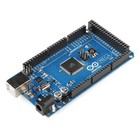
Mega 2560 R3uC: ATmega2560 Input Voltage: 7-12V System Voltage:5V Clock Speed: 16 MHz Digital I/O: 54 Analogs: 16 PWM: 14 UART: 4 Memory: 256 Kb Click Here To OrderLeonardouC: ATmega32U4 Input Voltage: 7-12V System Voltage: 5V Clock Speed: 16 MHz Digital I/O: 20 Analogs: 12 PWM: 7 UART: 1 Memory: 32 Kb Click Here To Order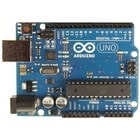
Uno R3uC: ATmega32U4 Input Voltage: 7-12V System Voltage: 5V Clock Speed: 16 MHz Digital I/O: 14 Analogs: 6 PWM: 6 UART: 1 Memory: 32 Kb Click Here To OrderDueuC: SAM3X8E Input Voltage: 7-12V System Voltage: 3.3V Clock Speed: 84 MHz Digital I/O: 54 Analogs: 12 PWM: 12 UART: 4 Memory: 512 Kb Click Here To OrderSingle Board ComputersThe primary advantage of SBCs is that they run an operating system, usually Linux. This gives them a higher ceiling than microcontrollers and enables a more sophisticated development environment. Here are some examples of what Linux offers:
The most common SBCs are the Raspberry Pi, Beaglebone Black, and Nvidia Jetson TK1 and TX1. The Pi and Beaglebone are affordable but less powerful options while the TK1 and TX1 are considerably more expensive but are absolute beasts. To give you an idea of the power levels, the Pi and Beaglebone can comfortably process LIDAR scans but if you want to do something like computer vision with a 2D camera or use a depth camera such as Kinect you will need to go with a Jetson. (For more information on autonomous robots, check out our autonomous robots support page.) Recent advances in consumer SBCs have made them very competitive in pricing with common microcontroller boards such as Arduino. Here are some prices for comparison (at time of writing):
SBCs have their share of drawbacks, however:
Need Customization?With our experienced team of electrical, firmware, and software engineers, we provide custom designs and solutions to fit your needs. We have extensive experience in electronics design with high-speed digitial and analog design. Embedded firmware development using USB, Ethernet, RS-485, RS-232, SPI, and I2C protocols. We also do significant application development in .NET to allow simple and easy connectivity and control from a computer.
Sections on this page: Related Support Pages:
Related Categories:  
|
|
|